The Toy Story Pitch: A Narrative Vehicle for B2B Wholesale
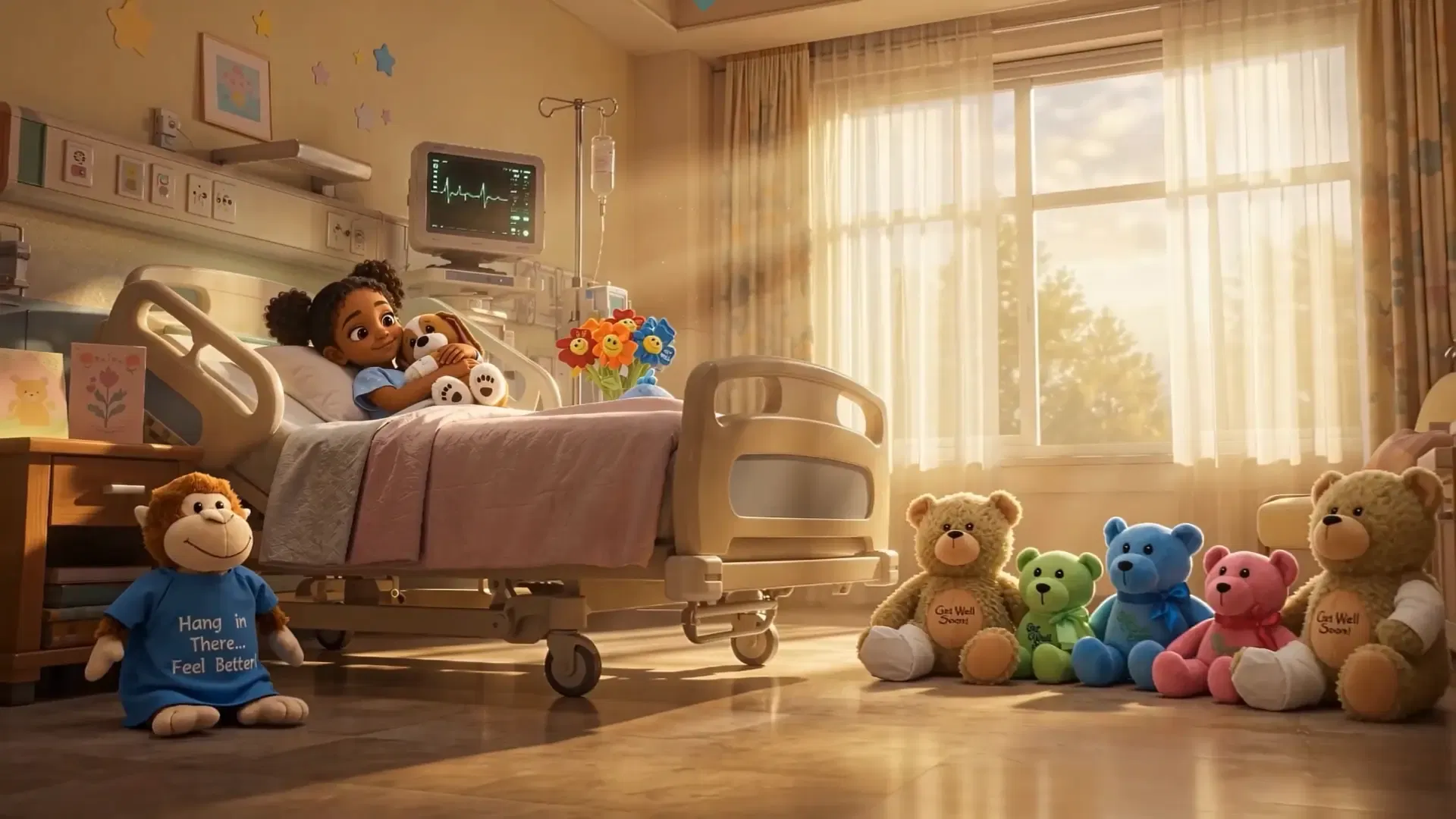
The goal was simple: drive brand engagement and wholesale B2B demand for our Get Well Plush line. But I didn't want to make another sterile catalog showcase showing toys sitting on shelves. I pitched an idea: let's bring them to life. A Toy Story-style narrative where these plush toys come alive in a quiet hospital, working together to find a sick child who needs to be cheered up. The narrative was the method for delivering the ad. Claude helped me write the script, translating the beats of the plush toys' mission into structured prompts. I generated the locations, including sterile hospital corridors and cozy recovery rooms, using GPT Image 2.0. But the real battle began when I tried to make these toys move.
The Seedance Slot Machine: Navigating AI Credit Burn
AI video generation in Seedance 2.0 is expensive. Every time you hit 'generate', you are spending real budget on a gamble. The problem with generative video is that you cannot predict the physics. A toy might take a step and then stretch or distort into something unusable. If you generate full-resolution commercial renders on every test, you will blow through your budget before you finish scene one. In total, this commercial cost about $150 in credits to generate. This is a small number for traditional production, but a real expense when you're paying for it out of pocket. To keep the project profitable, I had to create a cost-saving testing system. I tested all of my prompts using lower-quality, fast Seedance models at low resolutions. The output was blocky and pixelated, but it showed me the basic physics. If the toy jumped and landed correctly, I knew the prompt worked. Only then did I switch to the high-resolution production model. It was tedious, but it saved hundreds of dollars in wasted generation credits.
Clean Product Photos: Bypassing the Consistency Trap
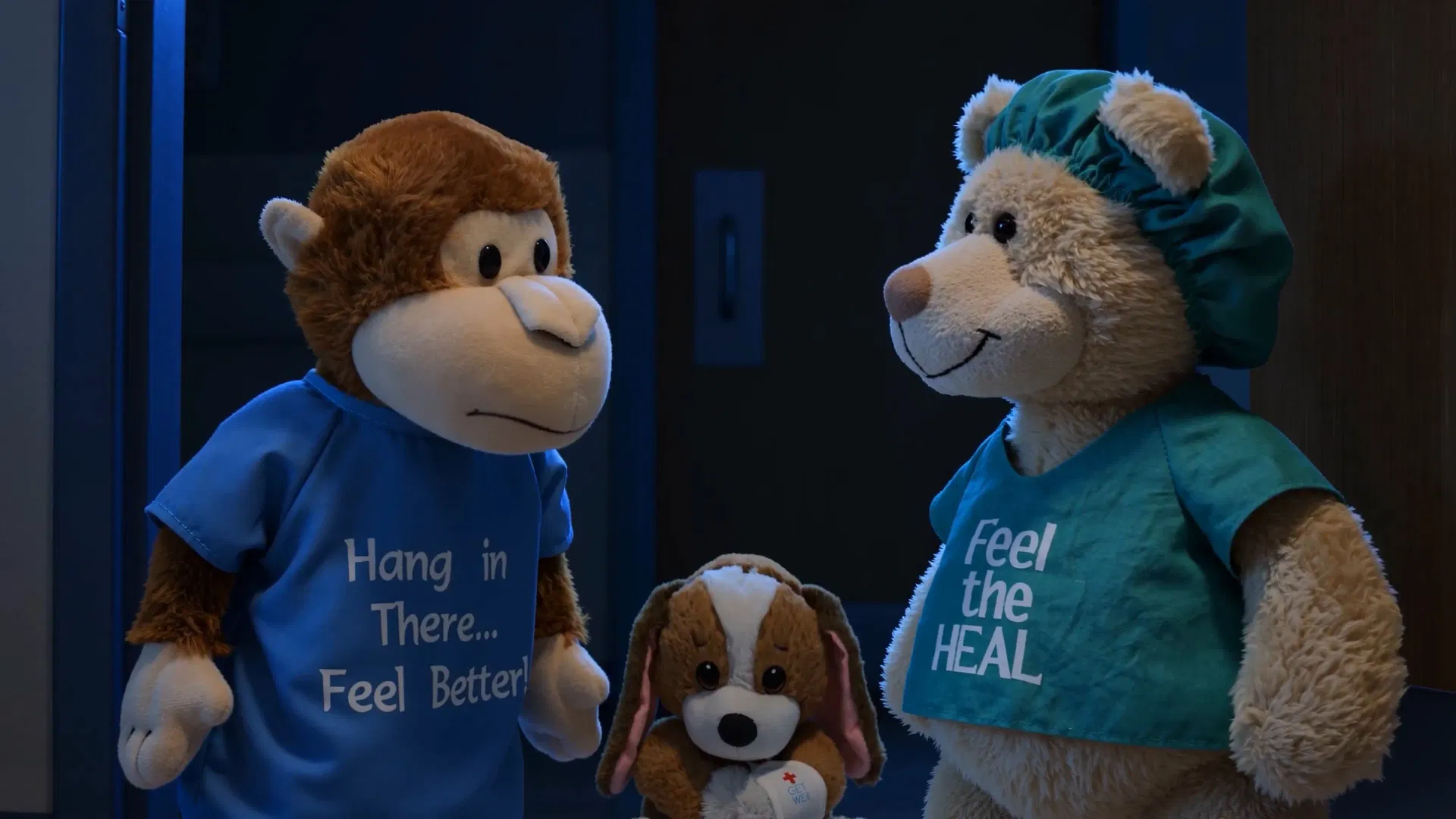
Filmmakers on Reddit spend weeks training custom LoRA models to keep characters looking consistent across scenes. I didn't have that kind of time. Instead, I used a simpler approach. Since we carry these exact plush products in our wholesale catalog, I already knew where our photographer's clean, high-resolution product photos were stored and simply took them to use as reference files. I fed these real-world plush photos directly into Seedance 2.0 as image references. The AI locked onto the actual fabric textures and stitch patterns. Because the source was a real object, the main plush characters remained consistent across every shot without training a single model. For characters that didn't exist as physical products, such as the little girl in the hospital bed, and for additional location references, I generated those separately in GPT Image 2.0.
Vocal Consistency and Dialogue Sync with ElevenLabs
While the visuals started coming together, the audio was a mess. Seedance 2.0 has built-in speech generation, but it does not maintain character voices. In one generation, the plush puppy sounded like a cute cartoon character; in the next, it had a distorted baritone voice. You can't run a commercial where the main character's voice changes every time the camera cuts. I solved this with a voice changing workflow. I generated the speaking shots in Seedance to get the correct lip sync, then exported the audio track. I fed that track into ElevenLabs and mapped it to a custom-designed character voice profile. ElevenLabs re-synthesized the delivery, maintaining the exact cadence and timing but replacing the voice with a consistent, cuddly character tone. I spent about ten minutes in Premiere Pro lining up the new audio files with the lip movements.
Harvesting the Glitches: Premiere Assembly and Topaz Finishing
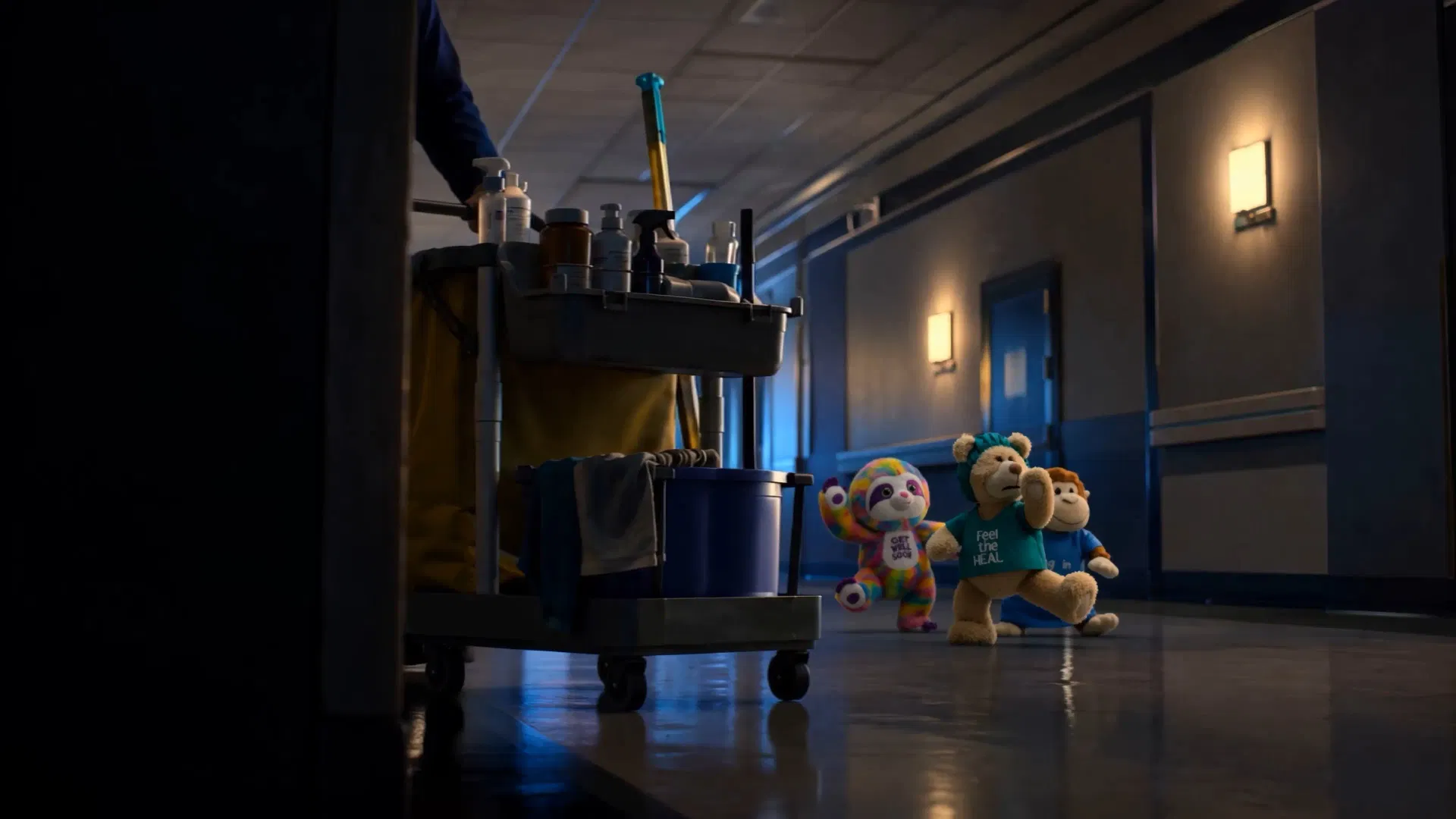
Editing this commercial was like building a puzzle out of broken pieces. Plush toys would move in unnatural directions, or their blocking wouldn't align with my taste. Seedance also struggled to interpret the layout of the hospital room, particularly with where the door was located and how the plush toys should enter the room. I had to generate dozens of clips to harvest a few seconds of usable movement. In Premiere Pro, I chopped up the renders into micro-cuts. If a plush teddy bear walked three steps and then glitched, I cut the clip at step two. I built a dense sound design layer of soft thuds when the toys landed and the rustle of fabric to ground the artificial visuals in reality. Finally, I ran the assembled cut through Topaz Video AI to clean up the compression artifacts and upscale the final edit to a commercial-ready 4K finish.
The Standing Ovation: When a Commercial Ad Lands
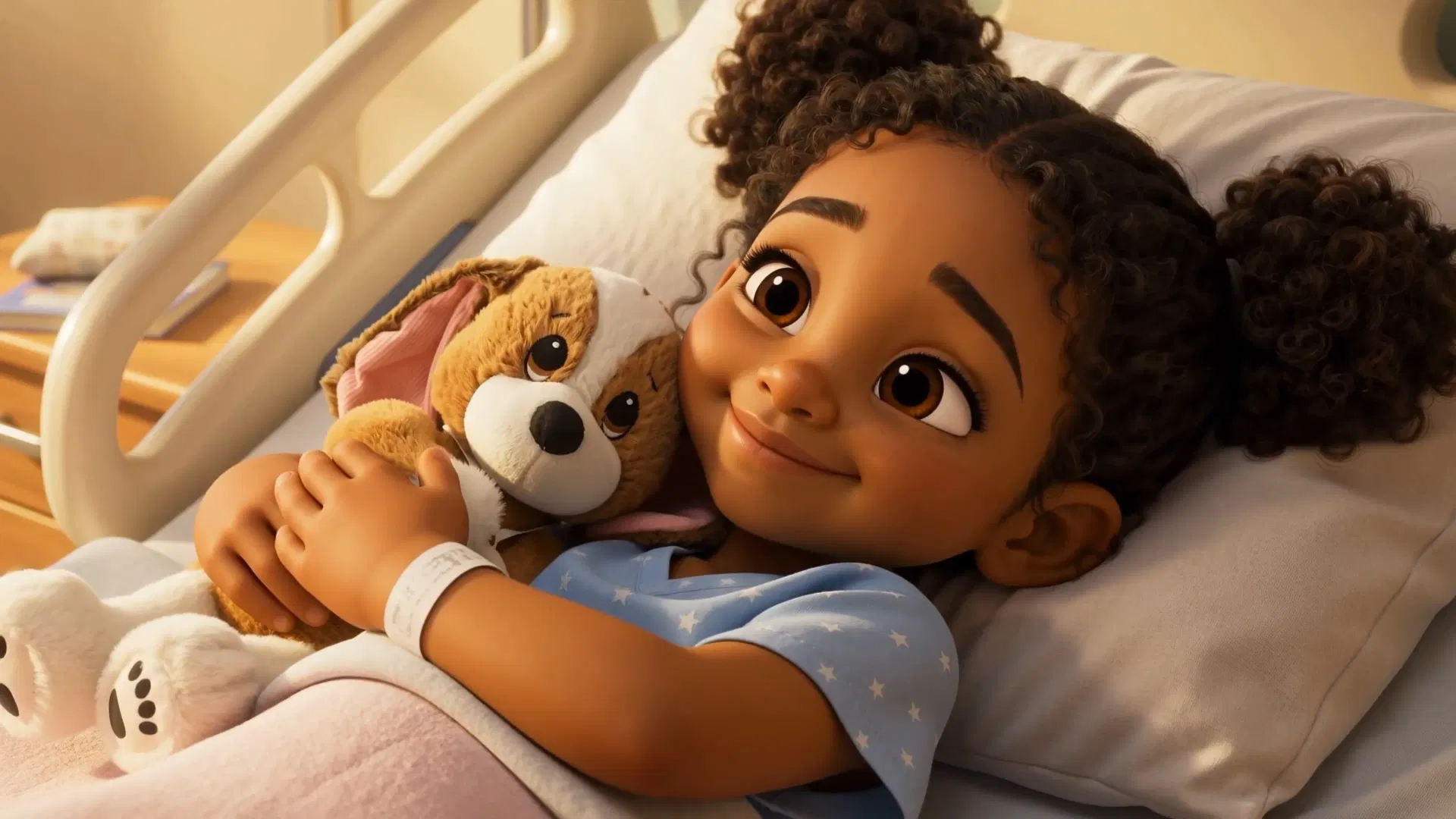
The reaction to the final cut was immediate. When shared with leadership, key partners, and major enterprise prospects (including Children's Medical Center Dallas), the commercial was received with overwhelming enthusiasm. By focusing on narrative emotion and production polish, we turned a simple product catalog item into a high-impact B2B sales vehicle that truly resonated with decision-makers.
Takeaways for AI Commercial Directors
- Use real product photos as reference images. It solves character consistency instantly. - Test prompts at low resolutions. Use fast, cheap models to lock in motion before paying for final renders. - Don't rely on video generators for dialogue audio. Extract the timing, then use a voice changer like ElevenLabs to lock in a consistent voice. - Traditional editing matters. Use Premiere or Resolve to cut around bad physics and layer sound design.