Selecting the Products and Storyboarding the Concept
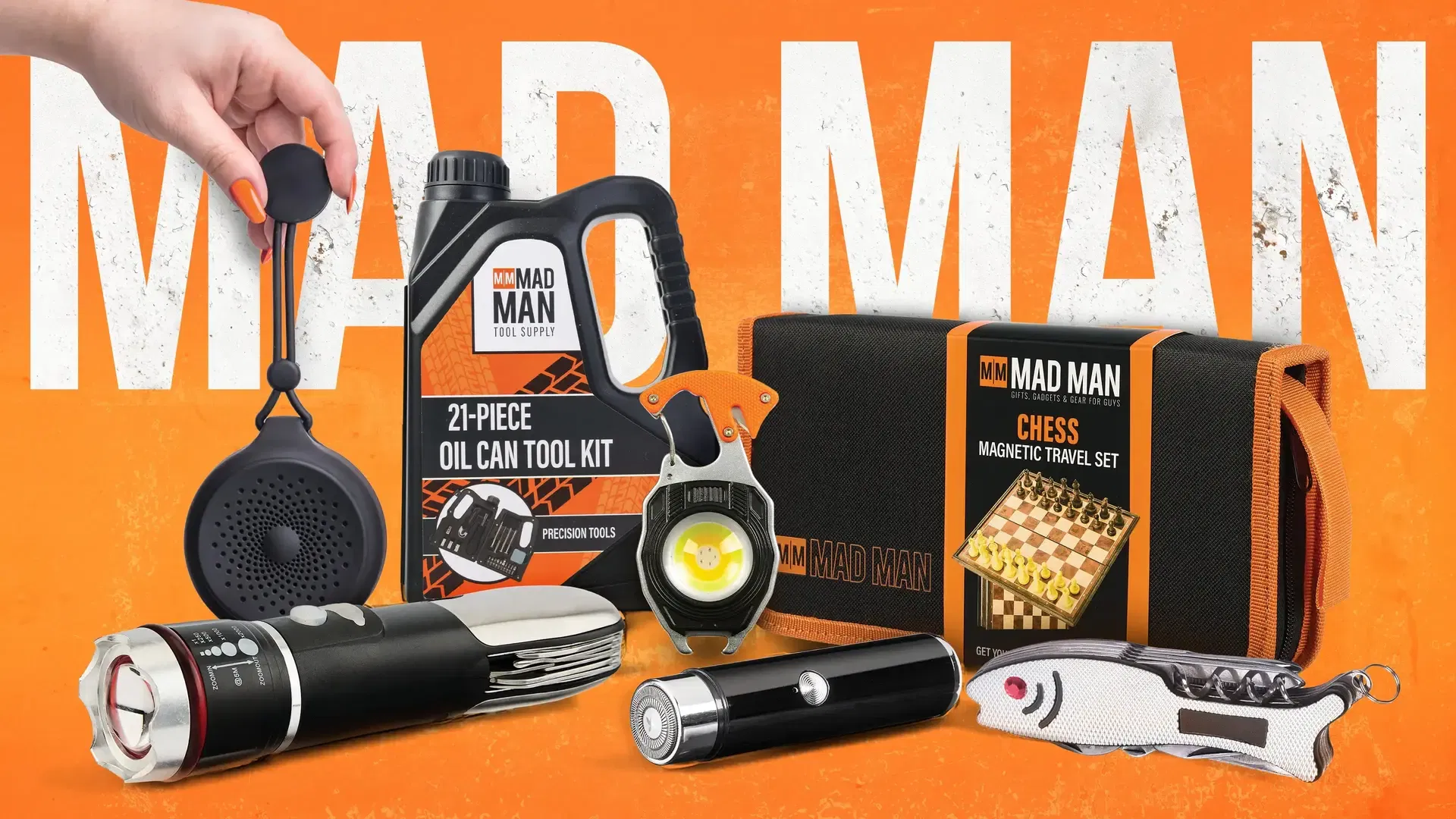
Every project starts with a script, even if it's just a rough one. At the start of this project for the Mad Man AI commercial, the brand had a large product lineup, so I had to pick which items to feature. I started by defining the creative direction and messaging to highlight their utility. Once the products were selected, I converted the script into a storyboard to plan the framing, camera perspective, and pace of the entire commercial. I translated the storyboard sketches into specific image prompts, designing a custom prompt structure to define focal length, lighting, and material textures. Then came the fun part: running those prompts through the generation models and seeing what came out.
Image Generation Hurdles and Model Hallucinations
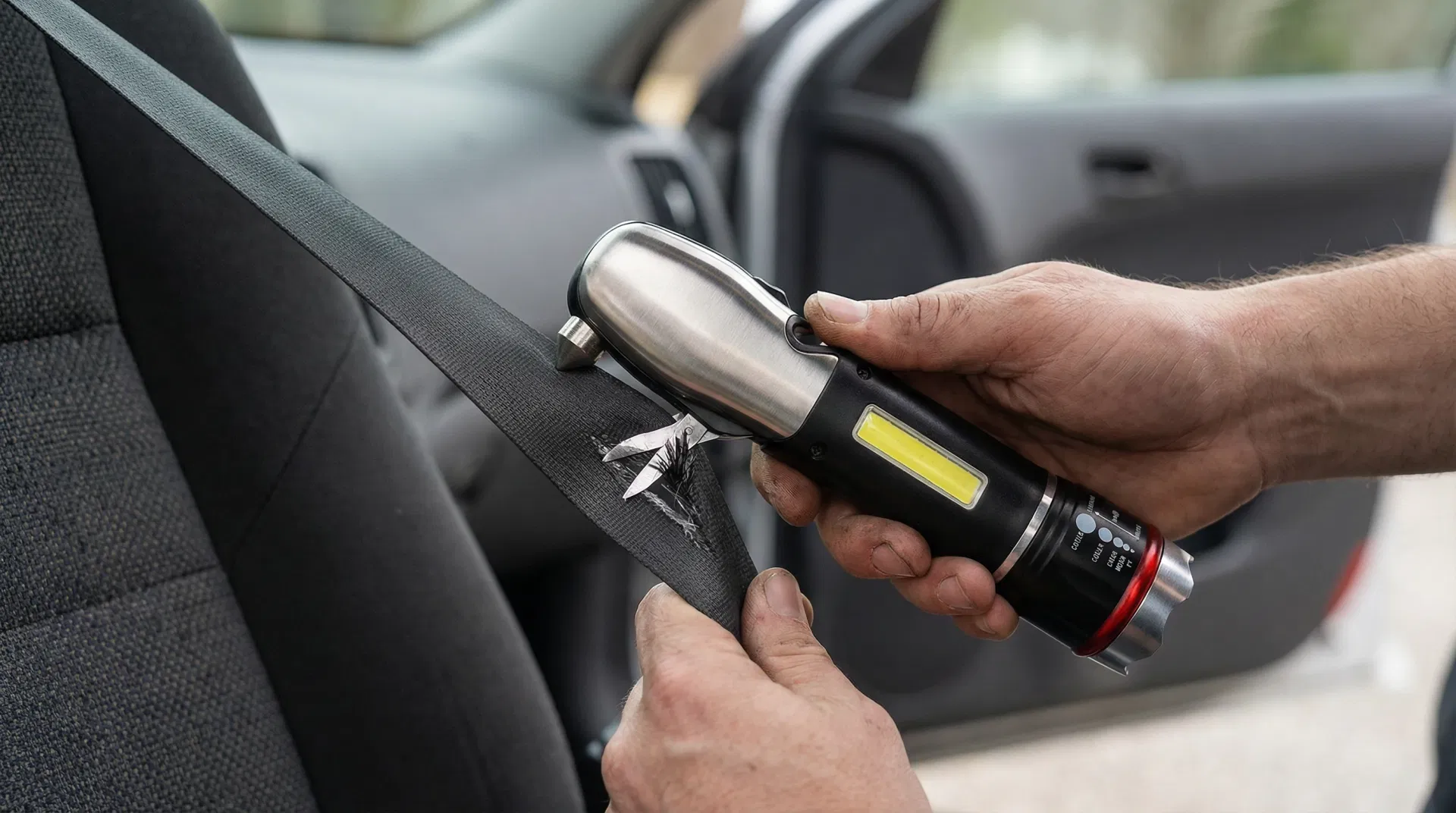
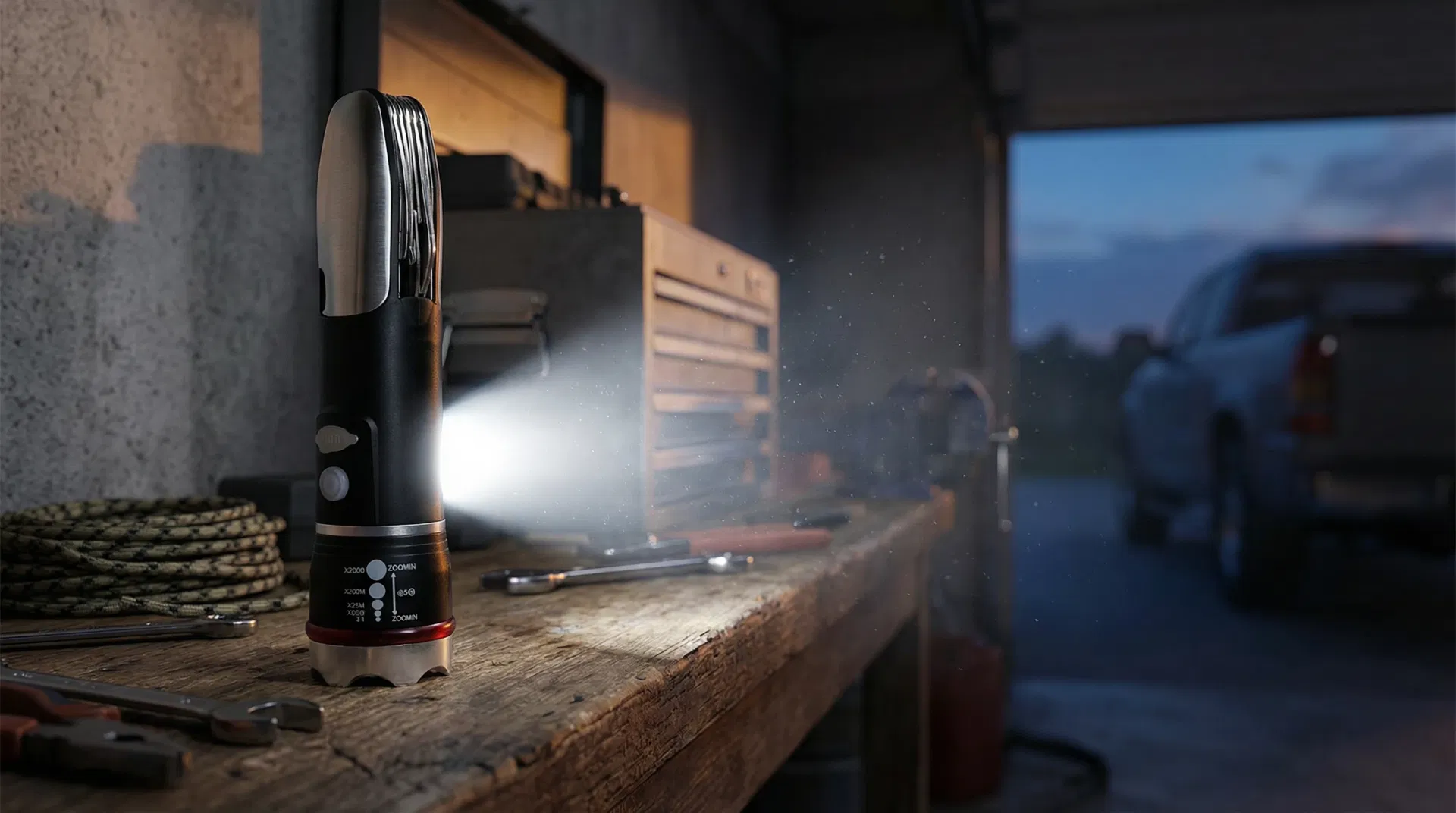
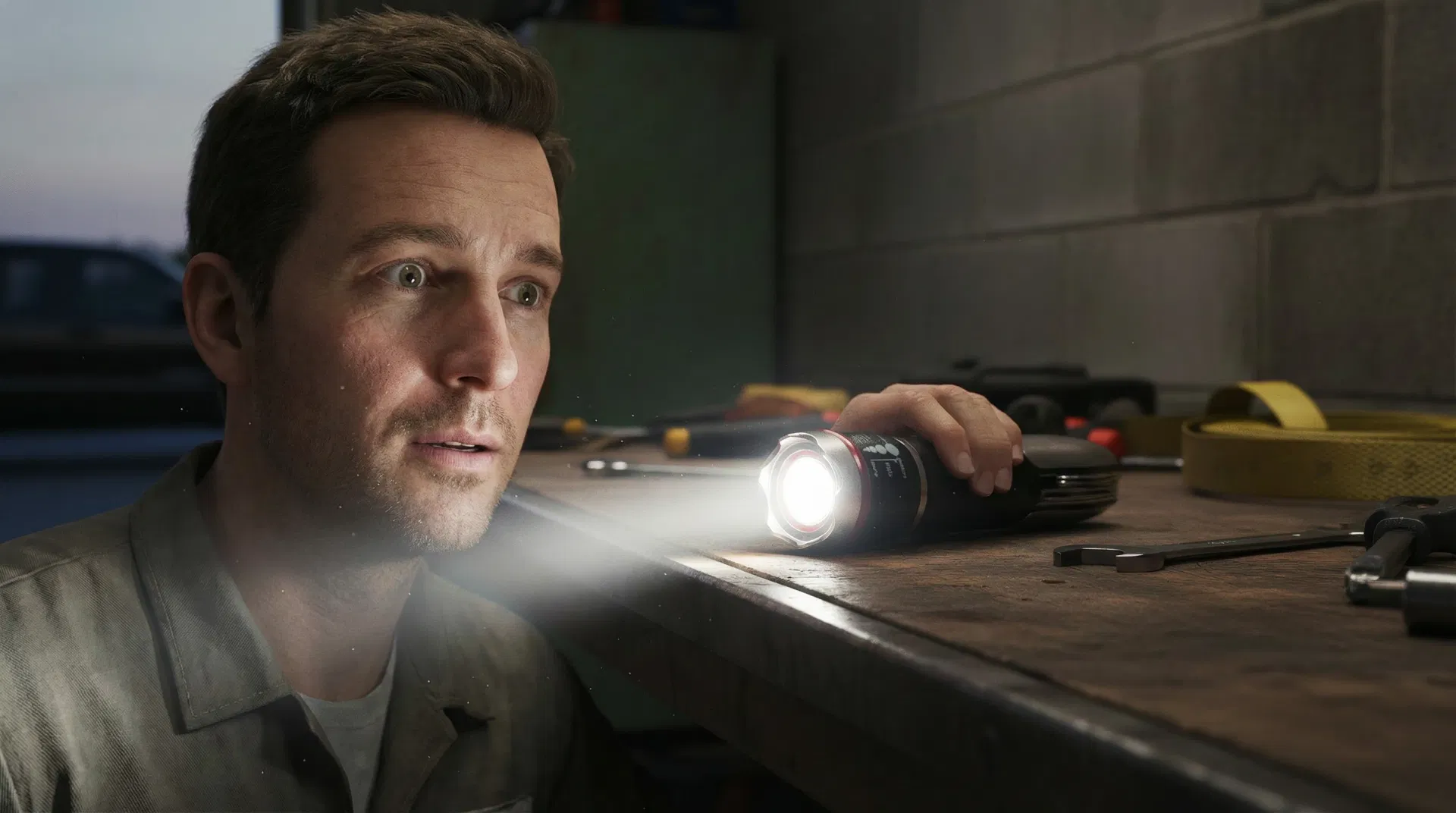
At the start of production, I generated the base frames using Seedream 4 and the recently released Nano Banana Pro. Nano Banana Pro was the state-of-the-art model, but it burned through credits fast. I had to watch my usage with every single generation. Even with the best models available, subject consistency and perspective were a nightmare. I attached the physical product photos as image references, but the models kept placing the tools wrong. Generating the multitool seatbelt cutter in action failed over and over. The generator would stick the tool in random spots or hallucinate extra parts that didn't exist. The flashlight was worse: the beam of light would emit from the middle of the metal body or warp the tool into something unrecognizable. After dozens of attempts, I started to wonder if the models were even capable of understanding what I was asking for.
Video Generation Physics and Platform Prompt Limits
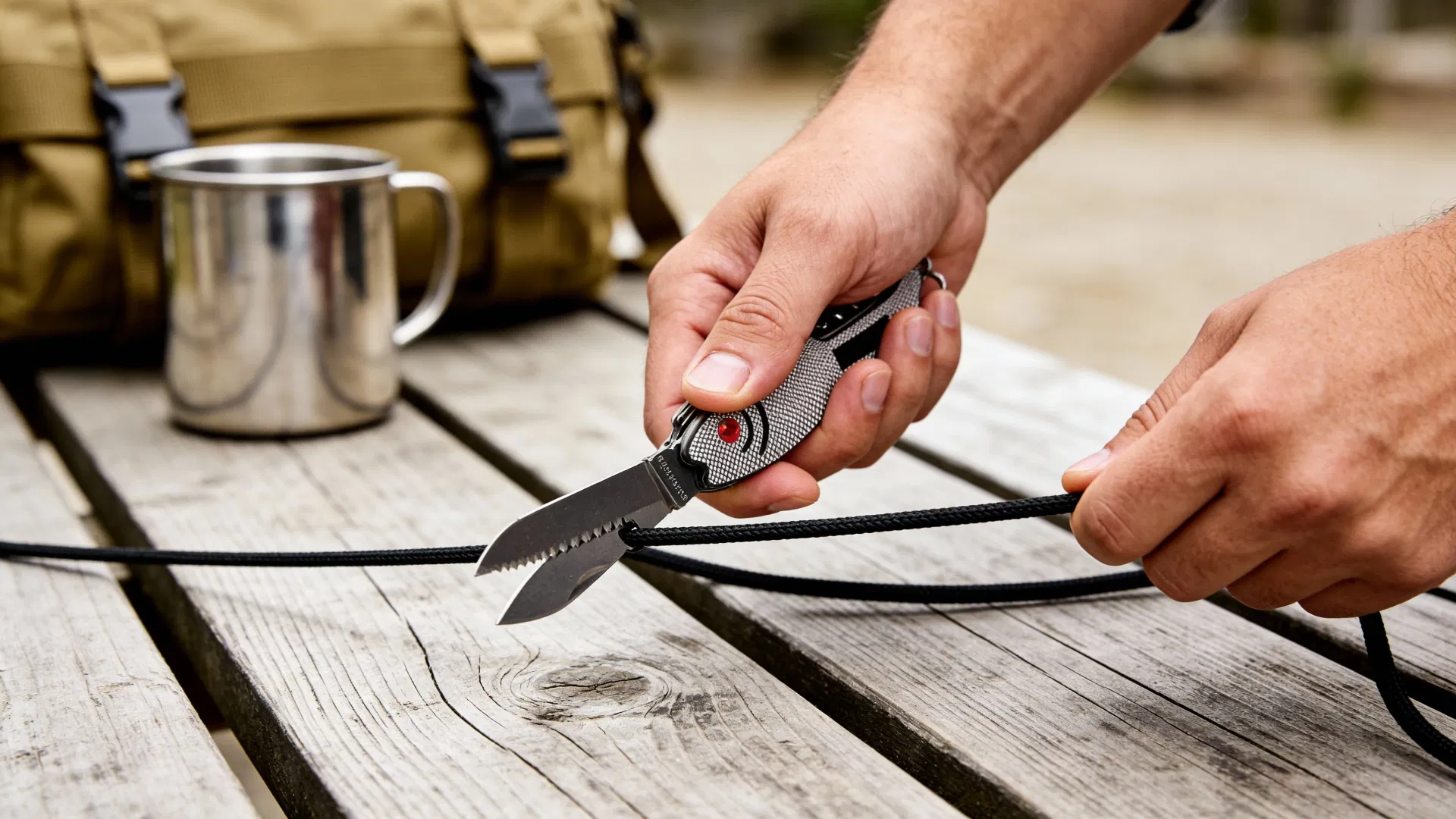
After hundreds of iterations, I picked the approved start frames and upscaled them with Topaz before starting video generation. For the motion phase, I used Kling 2.5 Turbo, Seedance 1.5 Pro, and Veo 3.1 Fast. I started with Kling because it was cheap. But the model couldn't handle basic physics. The multitool cutting a rope shot took dozens of attempts, and most of them looked wrong. I kept rotating through platforms, hoping one of them would figure out how cutting works. Switching platforms meant rewriting prompts. Each platform had different character limits, and as I iterated, my prompts got longer and more specific. Every time I switched engines, I had to trim and restructure my prompts to fit. It killed the creative flow. I'd be in a groove, refining a prompt, and then hit a character wall that forced me to start over.
Lip Sync Compromises and Post-Production Assembly
Lip sync was another problem. The commercial needed a couple of shots where a character speaks in sync with the voiceover. At the time, no tool could do this at 1080p. I had to settle for a model that rendered synced lips at 720p, then upscale it to match the rest of the timeline. Once I had all the motion clips, I assembled everything in Premiere Pro. I built the audio layer with music and custom sound effects, then ran the master file through Topaz Video AI for a final 4K upscale to clean up compression artifacts. The brand president of Mad Man watched the finished spot and reached out to say he wanted to use it in their marketing campaigns. When the person signing the checks asks to put your work in their ads, you know it landed.
Effective AI advertising relies on traditional post-production. Pacing, sound design, and secondary upscaling make artificial frames feel believable.
Key Takeaways for AI Filmmakers
What I took away from this project: - Storyboard first, prompt second. Translating panels into structured prompts saved me from generating blind. - Budget your credits like cash. High-end models burn through them fast, and you will need more runs than you think. - Upscale twice: once before video generation to lock in base quality, and once after export to hit 4K. Skipping either step shows. - Every platform has different prompt limits. Plan for it, or you'll waste hours rewriting the same prompt to fit. - Audio design makes artificial frames believable. Read how voice synthesis was engineered in my deep dive on AI Audio & ElevenLabs Production Threshold. - Learn how we deploy these workflows for brands in our Hybrid Video Production Service.