asTech® AIO Walkthrough
Client
Repairify
Role
Video Producer
Production Stills
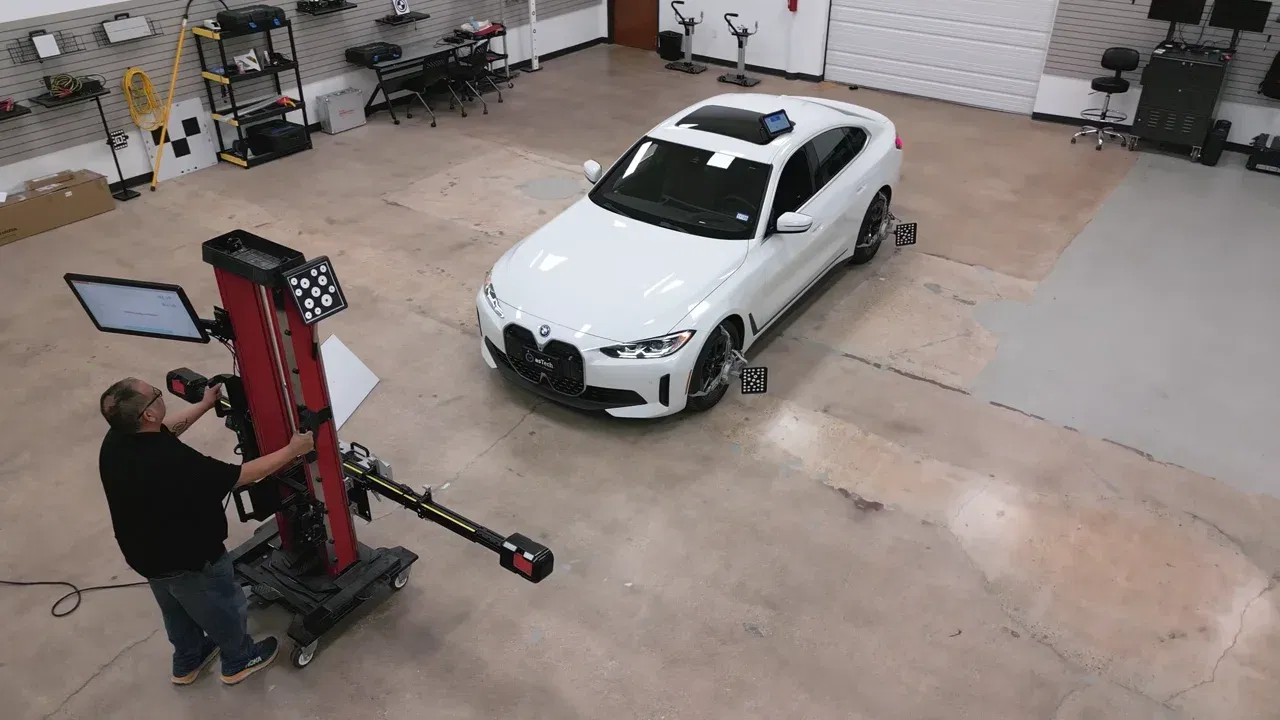 Diagnostic Workflow
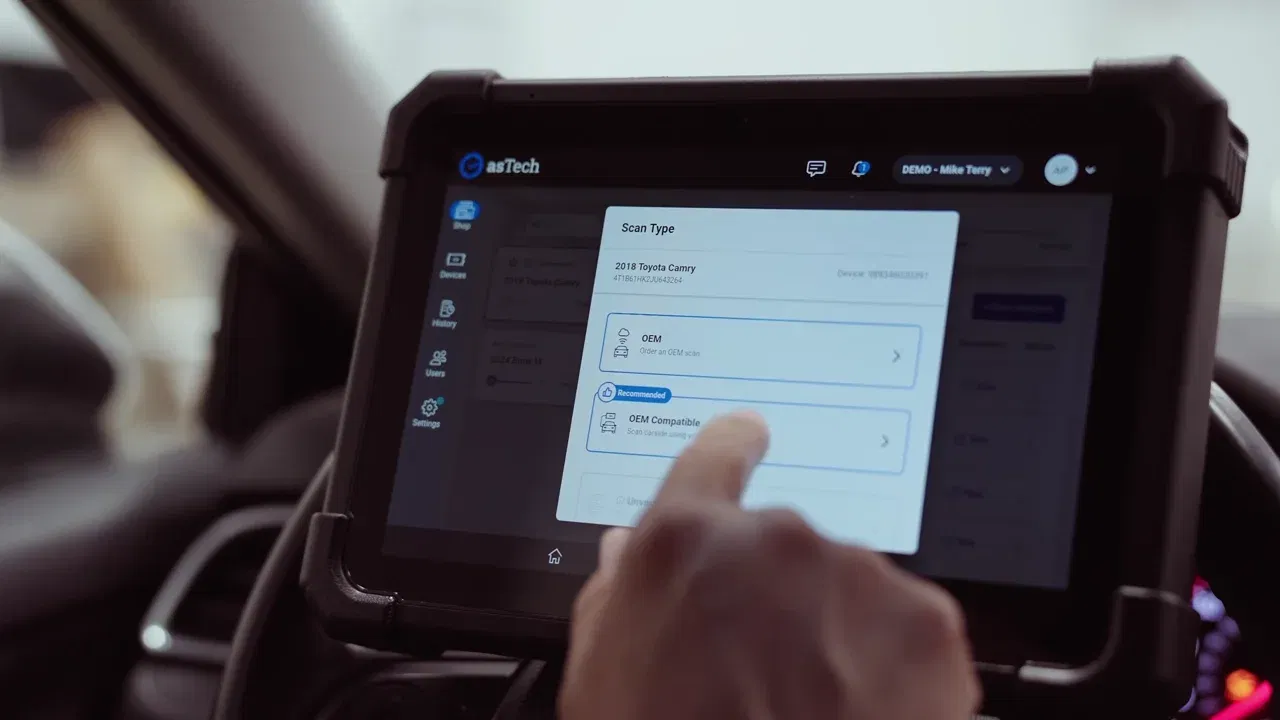 Interface Walkthrough
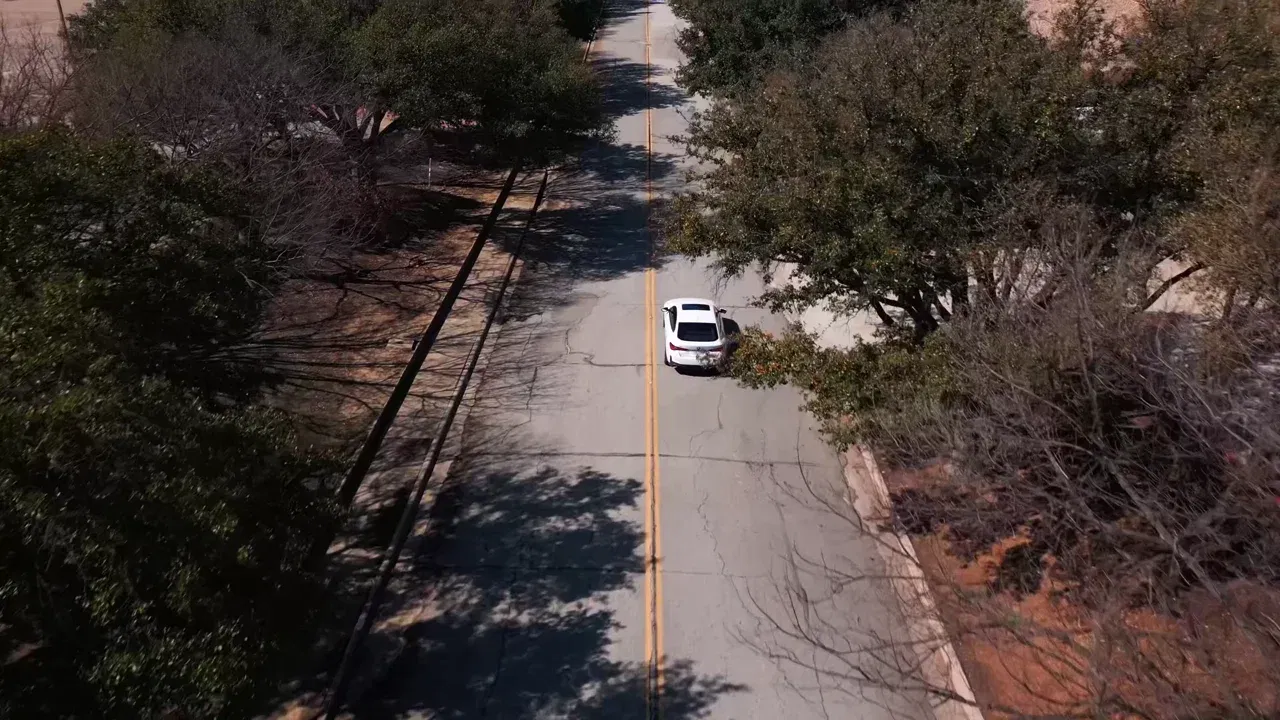 Calibration in Motion
The Obstacle
Automotive technicians faced steep learning curves when onboarding onto the asTech All-In-One diagnostic device. Repairify's training team had to conduct onboarding remotely, relying on static manuals and repetitive phone calls that failed to convey multi-step hardware connections and tablet navigation. Technicians frequently hit friction during unboxing, cable routing, and initial software boot sequences, pulling training staff into endless one-on-one troubleshooting. The department needed a clear, permanent instructional asset that technicians could follow independently directly at their service bays.
The Translation
Rather than staging an artificial corporate presentation, the production embedded directly inside an active workshop. Working alongside a technician at the workbench, camera setups followed each physical action in real time to capture unboxing, vehicle cable connections, and live tablet menu navigation directly at the bench. Pacing the camera to the technician's actual hands and tool handling grounded complex OEM procedures in clear, repeatable visual steps without simulated screens or sterile studio setups.
The Outcome
The completed walkthrough was adopted nationwide by Repairify's training team as their core instructional asset for new device deployments. Sent directly to technicians upon receiving hardware, the video standardized onboarding workflows across repair networks and eliminated repetitive remote training calls. The asset proved that technical training succeeds when it respects the technician's actual work environment, turning a complex diagnostic setup into a clean, repeatable visual standard.
PRODUCTION BRIEFING
Want Similar Results For Your Brand?
From high-end brand films to multi-format content suites and AI campaigns, Produced by Chi delivers cinematic quality with enterprise governance.