
The Concept: Programmatic Video vs. Traditional Editors
Traditional video editing means timelines, keyframes, and a lot of mouse clicking. When I was asked to create the brand reveal film for ari, Auto Recycler Intelligence, I wanted to try something different. The goal was to transition the brand from its old identity, Auto Partnered Solutions, to an AI-powered future. Instead of opening After Effects, I started a React project using Remotion, a framework that renders web components into video frames.
Programmatic Video Math and AI Assistance
Writing video with code means doing math for camera pans, visual transitions, and vector layouts. I used Antigravity, an AI coding assistant, to help write the code. It became the backbone of the production. I had it design custom React components for the motion layouts, generating code for SVG transformations, spring physics, and CSS grids. Antigravity wrote the React files and calculated the interpolation points for the animations. This bypassed timeline limits entirely. Instead of dragging keyframes in a GUI, I edited numbers in text files.
Scene Transitions and Persistent State Tracking
This was my first time using Remotion for a paid client, and the workflow forced me to learn fast. I built the video in isolated scenes, which meant each composition layer started without knowing where objects were in the previous frame. The result was jarring jump cuts between transitions. Antigravity generated a persistent state file that tracked coordinates across multiple scenes, so objects kept their physical placement and animations spanned smoothly across separate files.
Animating a Vector Morph and Glass Shatter Effect
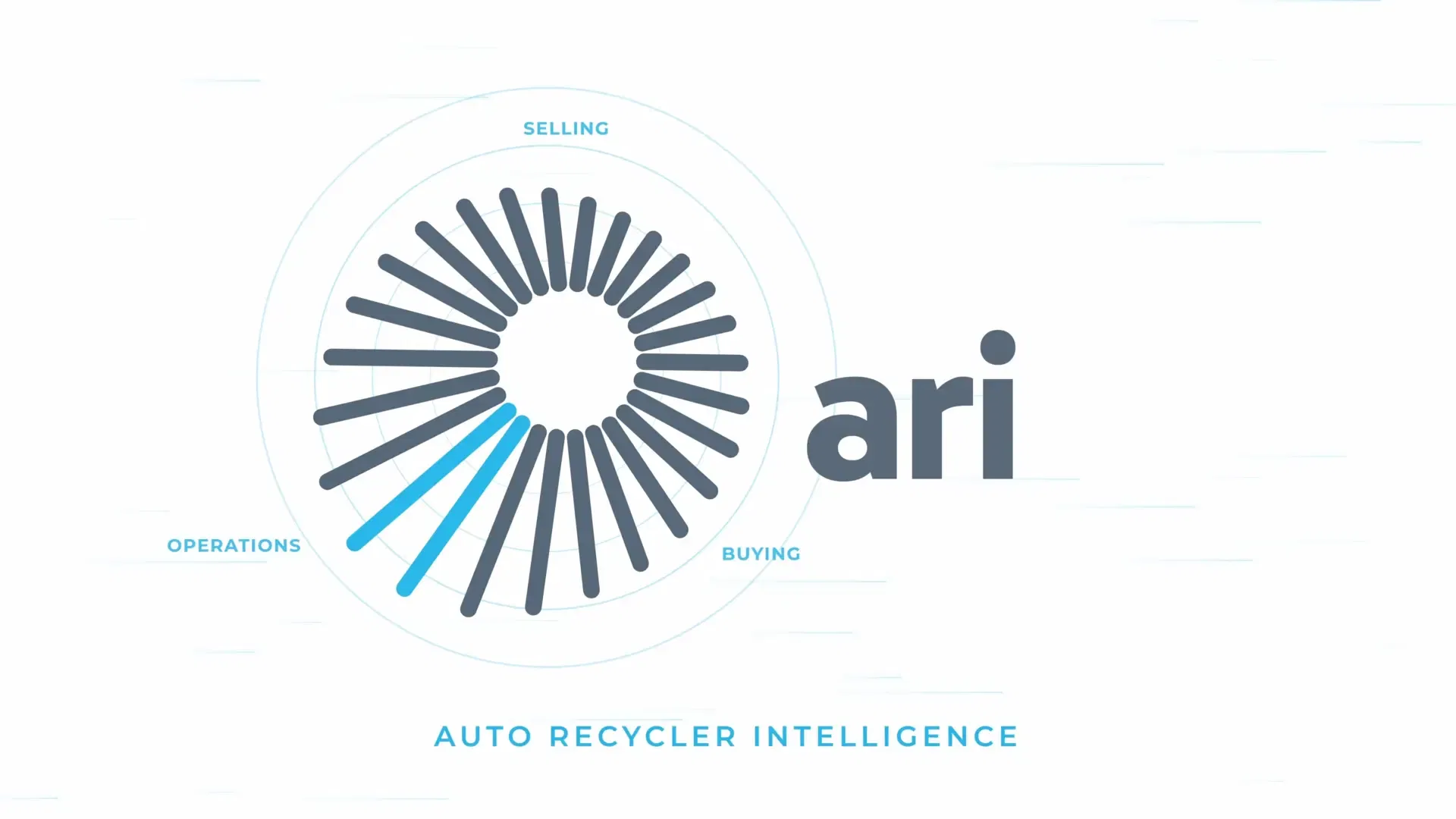
The hardest part was animating a logo morph. I wanted the spokes in the logo to simulate a glass shatter effect before morphing into the final brand emblem. Antigravity struggled with the overlapping vector fragments and keyframe curves. I went through dozens of iterations on the timing and collision vectors before the transition finally rendered cleanly.
Programmatic Animation Hurdles in Remotion
Building animations with web technologies has tradeoffs. Standard CSS animations can be sluggish when compiled. I optimized render performance by targeting CSS transform and opacity properties to trigger hardware acceleration. I used spring equations to simulate realistic momentum. Getting the flow to feel natural meant adjusting tension and friction coefficients in React, and Antigravity iterated those values until the motion stopped feeling robotic. Vector elements also stayed sharp at any resolution, which is something raster-based editing suites struggle with when you scale up.
Rendering the Master File and Client Reception
Once the React timeline was complete, I used the Remotion command-line interface to compile the composition. The compiler rendered the web components and exported the base video track. I handled the audio layer using ElevenLabs, generating a custom voice for the voiceover alongside AI-synthesized sound effects and background music. I brought the Remotion render and the ElevenLabs assets into DaVinci Resolve to assemble, sync, and master the final cut. The client loved the video. They had no idea the production ran on React code and AI-generated audio. The project paid well, and it confirmed something I'd been curious about: code-driven video generation is a real alternative to manual editing, especially when you want precise control over motion and layout without fighting a timeline UI.
Key Takeaways for Programmatic Animators
A few things I learned from this project: - React components are reusable across scenes, which saved me from rebuilding layouts from scratch each time. - CSS transform and opacity are the only properties worth animating if you care about render speed. Anything else and you're asking for lag. - AI coding assistants handle the math-heavy parts well. Spring physics, interpolation curves, SVG transforms, things I'd spend hours calculating by hand.