
Why do training videos for technicians fail with standard corporate polish?
When I shoot a brand film, I assume the viewer is open to being impressed. They clicked play because they were already curious, and my job is to confirm that curiosity was justified. When I shoot training video for technicians, the viewer is not open to being impressed. They are open to being convinced that this video is not going to waste their time. They have watched dozens of corporate training modules, and most of those modules were slide-deck voiceovers with stock music under the narration. They have built up an immune response to that style. If your training video looks like a corporate module, the technician will mute it and skim the transcript. If it looks like a working demonstration by someone who has actually used the tool, they will watch it. The difference is in the framing, the lighting, and the voiceover approach.
What does not work: corporate polish and mock-up screens
I have watched training videos fail in three specific ways. The first is corporate voiceover. A voice actor with a polished tone, mid-Atlantic accent, and perfect pacing reads copy that someone in marketing wrote. Technicians can hear the staging. They tune out within 30 seconds. The second is mock-up screens. The training video shows a UI screen that looks like the product, but the actual interactions are choreographed rather than recorded. The cursor moves too smoothly, the dialog boxes pop in pre-ordained positions, and the technician realizes the video was not made on the real tool. The third is generic pacing. The video covers steps 1 through 12 in equal time, with each step getting about the same screen share. In reality, step 4 is the hard one, and steps 2, 7, and 11 are easy enough that a one-second cutaway is enough. Even pacing makes hard steps feel easy and easy steps feel hard. The viewer walks away with the wrong mental model.
What does work: bench-level perspective, real-time UI, and a working shop
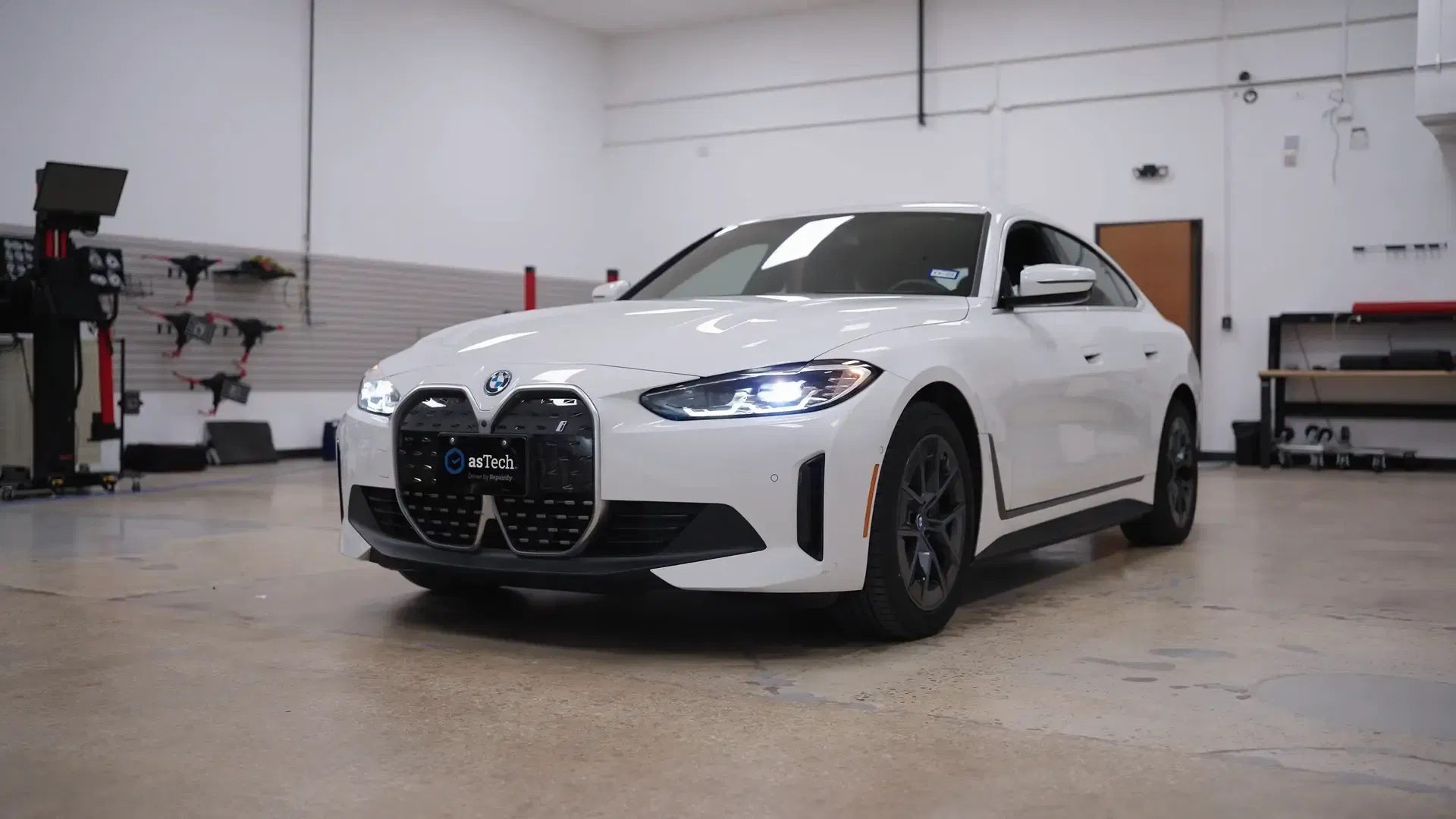
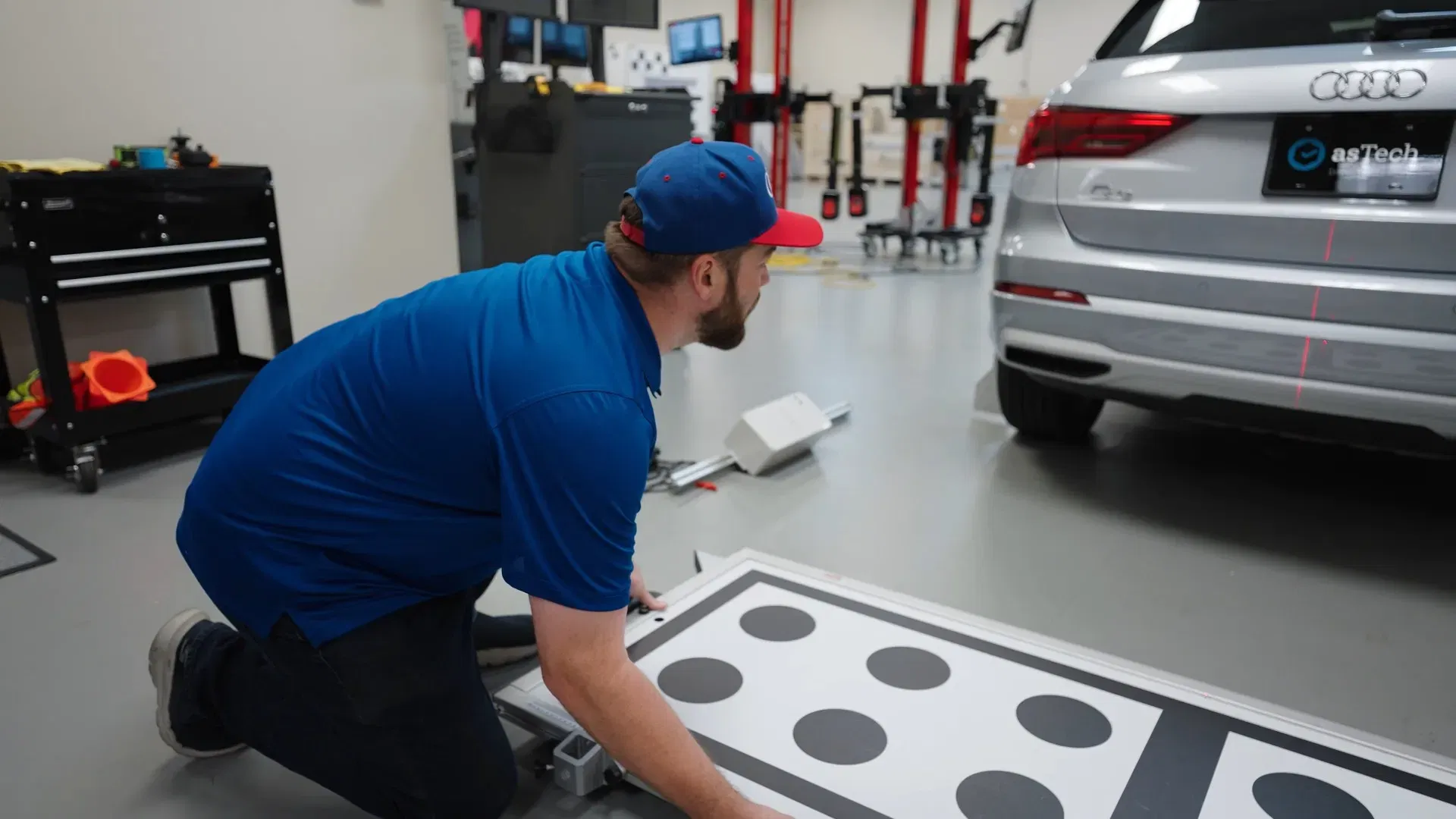
The asTech AIO technical product walkthrough I shot for Repairify is the clearest example of what does work. Every sequence was filmed in a working shop with the hardware and the tablet UI running in real time. There were no staged environments. There were no simulated screens. The camera stayed at the perspective of a technician standing at the bench, picking up the device, connecting it, and walking through the interface. The voiceover covered each step with enough detail that a technician watching the video for the first time could follow along at their own bench. The pacing matched how a real technician absorbs a new workflow: the easy parts are short, the hard parts get the screen time they need. The Audi sensor calibration training followed the same pattern. The shot was at the wheel of a real vehicle, the sensor placements were real, and the technician in the frame was the kind of person who would actually use the training to do the job. There was no presenter facing the camera explaining concepts. The camera watched the work, and the work explained the concepts.
The voiceover approach that made the difference
For the asTech walkthrough, the voiceover was recorded by a working technician, not a voice actor. He had a slight regional accent, he used 'the device' instead of 'the unit,' and he was willing to say 'this part is finicky' when something was actually finicky. The decision to record the voiceover in his voice was deliberate. I could have hired a narrator. The result would have been cleaner audio and a less credible video. The whole point of the training was that a real technician was talking to other technicians, and a polished voiceover would have undermined that. The same approach worked for the Iconic Selling training. The presenter was a real sales coach, and the audience was other sales coaches and reps. The voiceover used sales-team vocabulary. The pacing treated the viewer like a peer, not a student.
The metric that told me the approach was working
I cannot share the exact internal data from Repairify, but the company has published enough about the impact of the AIO walkthrough that the numbers are public. Hardware-related support calls dropped by 50% after the training was deployed. Adoption of the AIO platform climbed 25%. The sales cycle shortened because prospects could watch the full workflow before committing to a purchase. A 50% reduction in support calls is not a vanity metric. It means the video is doing the job the training was supposed to do, at scale, for technicians who never met me. That is the version of training video I want to keep making.
Notes for producers shooting training video for the first time
A few things I took from these projects: - Shoot in the real workspace, not a staged set. Technicians can tell the difference, and the staged version teaches them less. - Record voiceover with a working practitioner, not a voice actor. Regional accent and casual vocabulary are assets, not liabilities. - Pacing should match the actual difficulty of each step. Easy steps get one-second cutaways. Hard steps get the screen time they need. - Avoid the corporate module look. If your video looks like a slide deck with a voiceover, the technician will assume it is one and tune out. - Measure the right metric. Views and completion rate are nice, but the metric that matters is whether the user can do the job after watching. - For voice cloning and narration benchmarks, see my test in AI Audio & ElevenLabs Production Threshold. - Explore how narrative documentary techniques translate to technical operations in our Cisco & Netsync Case Study BTS.